How to Buy QB Token: Step-by-Step Guide (DEX, Wallets & Bots)
Before you start
QB is a BEP-20 token on BNB Smart Chain. You will need a compatible wallet (such as Coinbase Wallet or OKX Wallet), some BNB for network fees, and the official contract address: 0x869E2d6F2411604F75ccb0ff30ac9ea645ce0Aa3. Always verify the contract address before any transaction.
Buying on a decentralised exchange
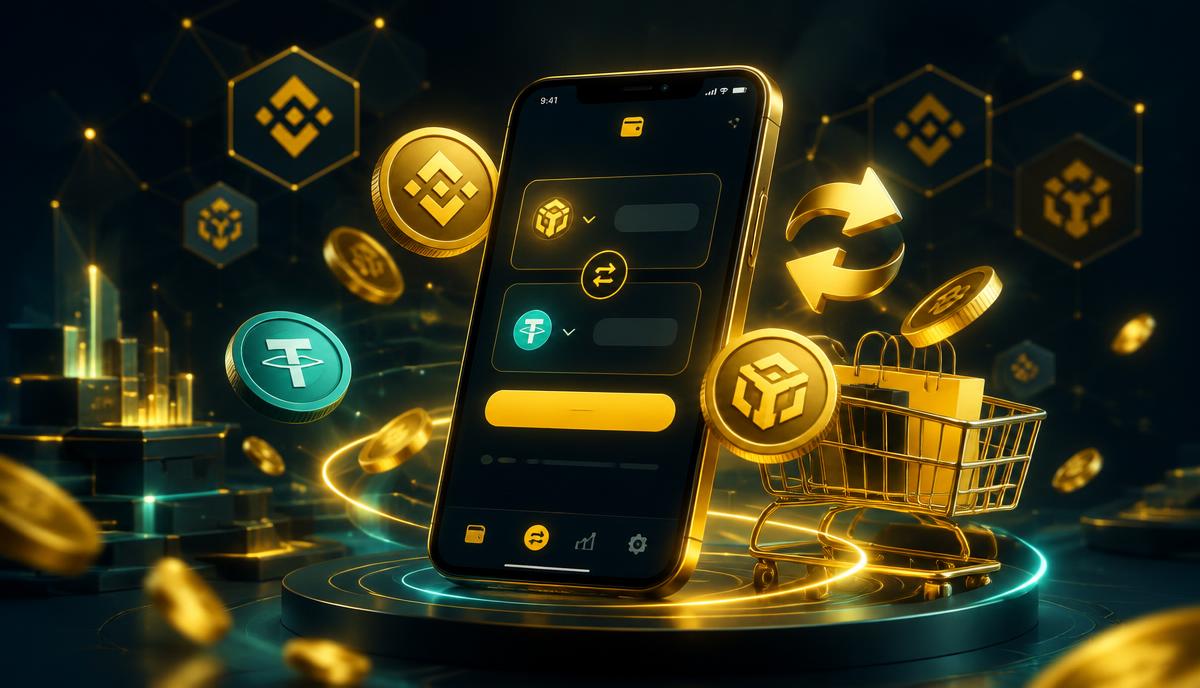
On PancakeSwap or KyberSwap, connect your wallet, select BNB or USDT as the input, paste the QB contract address as the output token, review the quote and confirm the swap. Set a reasonable slippage and never approve unlimited spending limits you do not understand.
Buying with trading bots and centralised exchanges
Telegram-based bots such as Base Bot and Maestro Bot let you swap by pasting the contract address into the bot chat. QB is also accessible via MEXC. Whichever venue you use, double-check you are interacting with the official contract and the official platform website or bot handle.
Staying safe
Never share your seed phrase, beware of look-alike tokens with similar names, and start with a small test transaction. Third-party platforms are independent of QB Limited; their availability and terms are their own.
Fees and network costs
Every swap on BNB Smart Chain costs a small network fee paid in BNB — usually a fraction of a dollar. Decentralised exchanges also charge a small liquidity-provider fee built into the quoted price. Centralised platforms such as MEXC charge their own trading and withdrawal fees, shown before you confirm.
Frequently asked questions
Which wallet should I use? Any BEP-20 compatible wallet works — Coinbase Wallet and OKX Wallet are popular choices. Can I buy with a card? Some platforms and wallets offer fiat on-ramps; otherwise buy BNB or USDT first, then swap. How do I confirm I bought the real QB? Check that the token contract in your wallet matches 0x869E2d6F2411604F75ccb0ff30ac9ea645ce0Aa3 exactly.